
Download Auto Clicker and Auto Typer – auto clicker, auto typer, automation tool, productivity app, PC utility, gaming tool, repetitive task automation, mouse click automation, text input automation, lightweight app
Overview
Auto Clicker and Auto Typer is a lightweight productivity tool designed to simplify repetitive tasks on Windows devices. Originally developed with MMORPG players in mind—particularly those using games like Runescape—the application enables users to automate mouse clicks and text input with minimal setup. Its core purpose is to reduce manual effort in scenarios requiring frequent, identical actions, whether in gaming environments or everyday digital workflows. The app serves a diverse user base, including gamers seeking efficiency, content creators managing repetitive text entries, and professionals handling routine data input tasks.
Despite its focused functionality, the tool maintains broad applicability across various programs and platforms within the Windows ecosystem. Its portability and zero-installation requirement make it ideal for users who prioritize quick access and device independence. The developer, Eddie C. Reardon, has positioned the app as a no-frills utility that delivers core automation capabilities without unnecessary bloat. This approach aligns with growing demand for efficient, secure, and lightweight tools in a market saturated with feature-heavy software.
Although the developer did not provide additional technical details, the app’s release in September 2024 suggests it is a recent addition to the productivity category. Its minimal size of 98KB underscores its design philosophy: performance without overhead. For users seeking a straightforward way to automate simple actions, Auto Clicker and Auto Typer offers a practical solution that fits seamlessly into existing workflows.
Key Features & Functionality
- No Installation Required: The application is portable and can be launched by simply double-clicking the executable file. This eliminates the need for system modifications, making it suitable for shared or restricted devices.
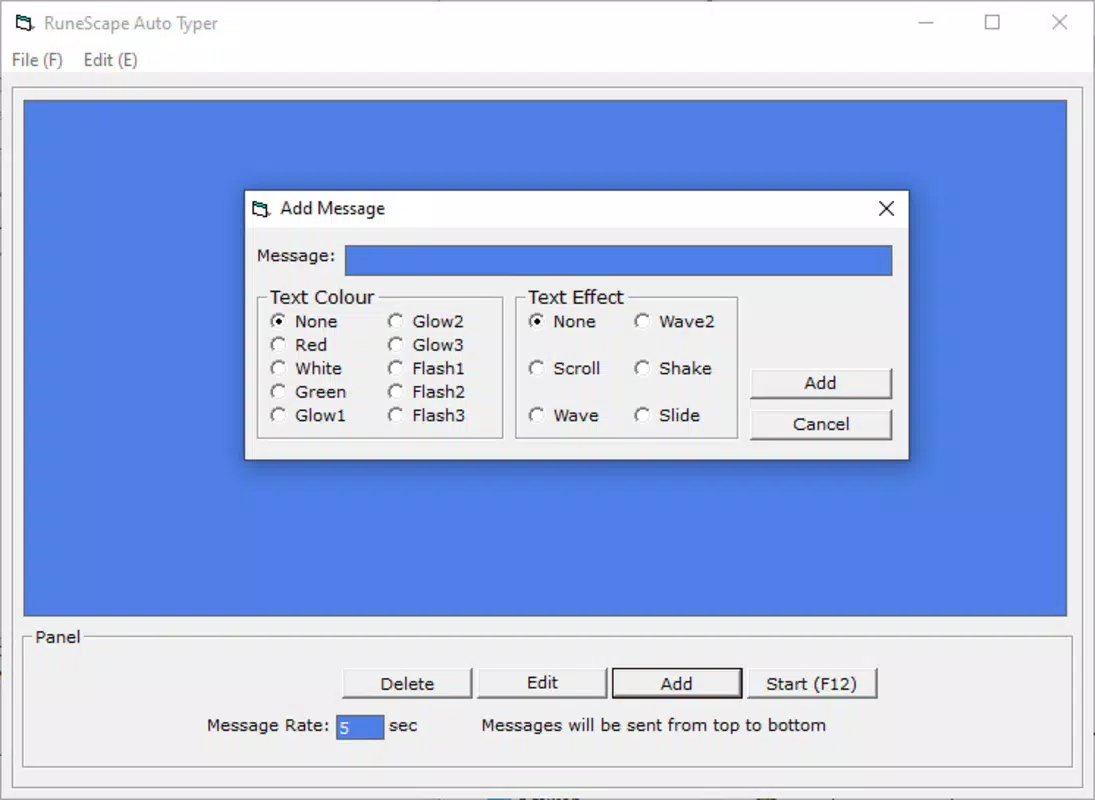
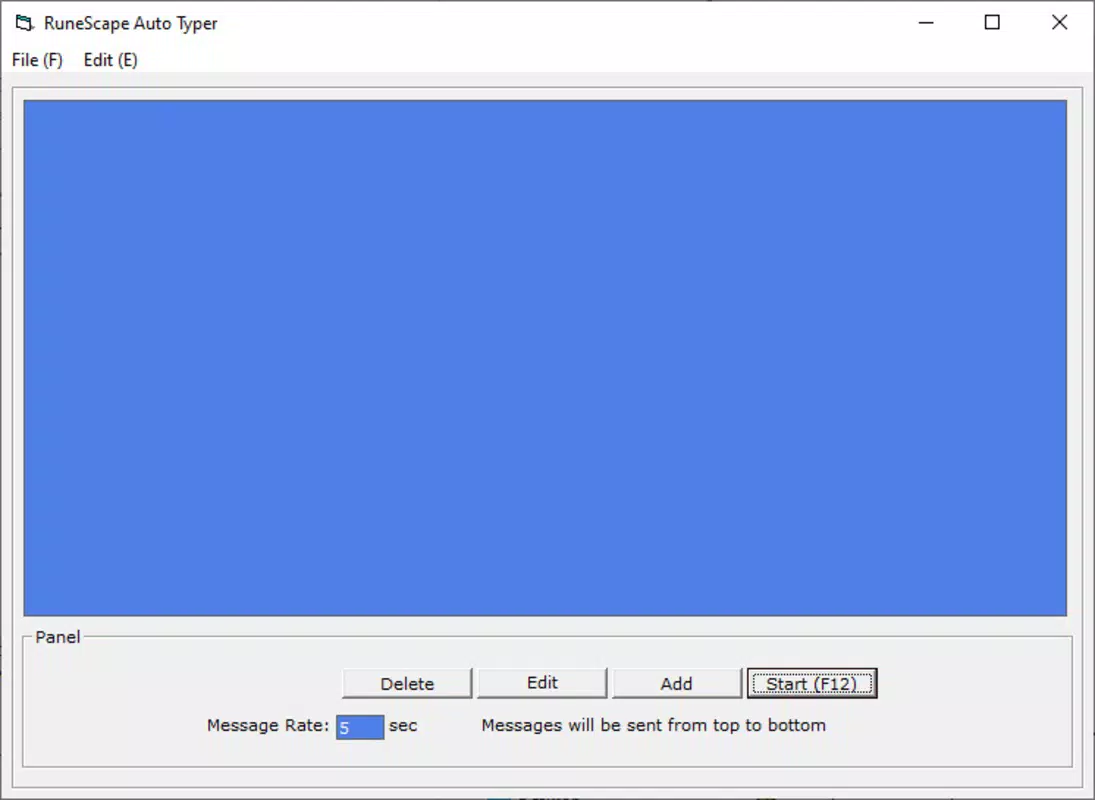
- Effortless Text Automation: Users can input custom text and set intervals for automatic typing. This feature is particularly useful for repetitive messaging, form filling, or in-game communication, where consistent text delivery is required.
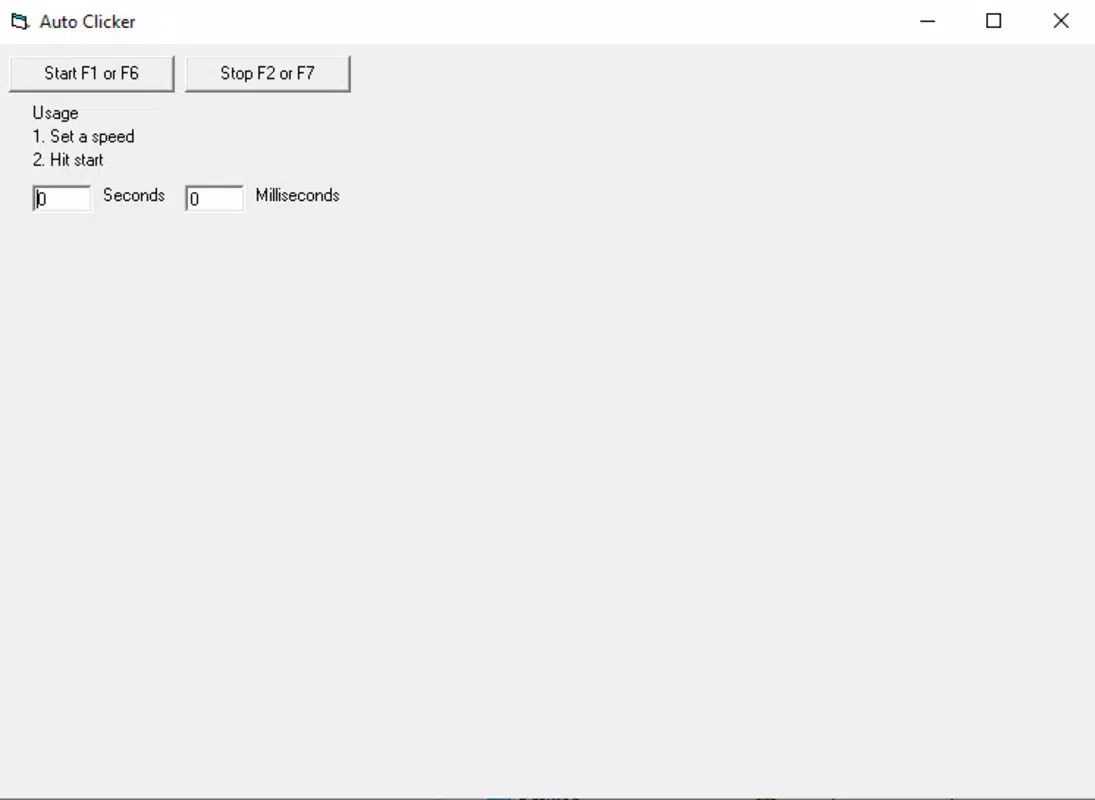
- Simple Click Automation: The auto clicker allows users to define the delay between clicks and activate/deactivate with a single key press. This functionality streamlines tasks such as navigating menus, clicking buttons, or performing repetitive actions in software interfaces.
- Lightweight and Portable: At just 98KB, the app is exceptionally small. It can be run directly from a USB drive or cloud folder, ensuring accessibility across multiple devices without installation.
- Designed for Gamers: While optimized for MMORPGs, the tool’s functionality extends beyond gaming. It can assist in automating in-game actions or streamlining workflows in productivity software, offering versatility across use cases.
For example, a content creator could use the auto typer to insert standard disclaimers or signatures into documents, while a gamer might use the auto clicker to automate inventory management during long gameplay sessions. The app’s minimal configuration ensures that even users unfamiliar with automation tools can begin using it immediately.
Interface, UX & Performance
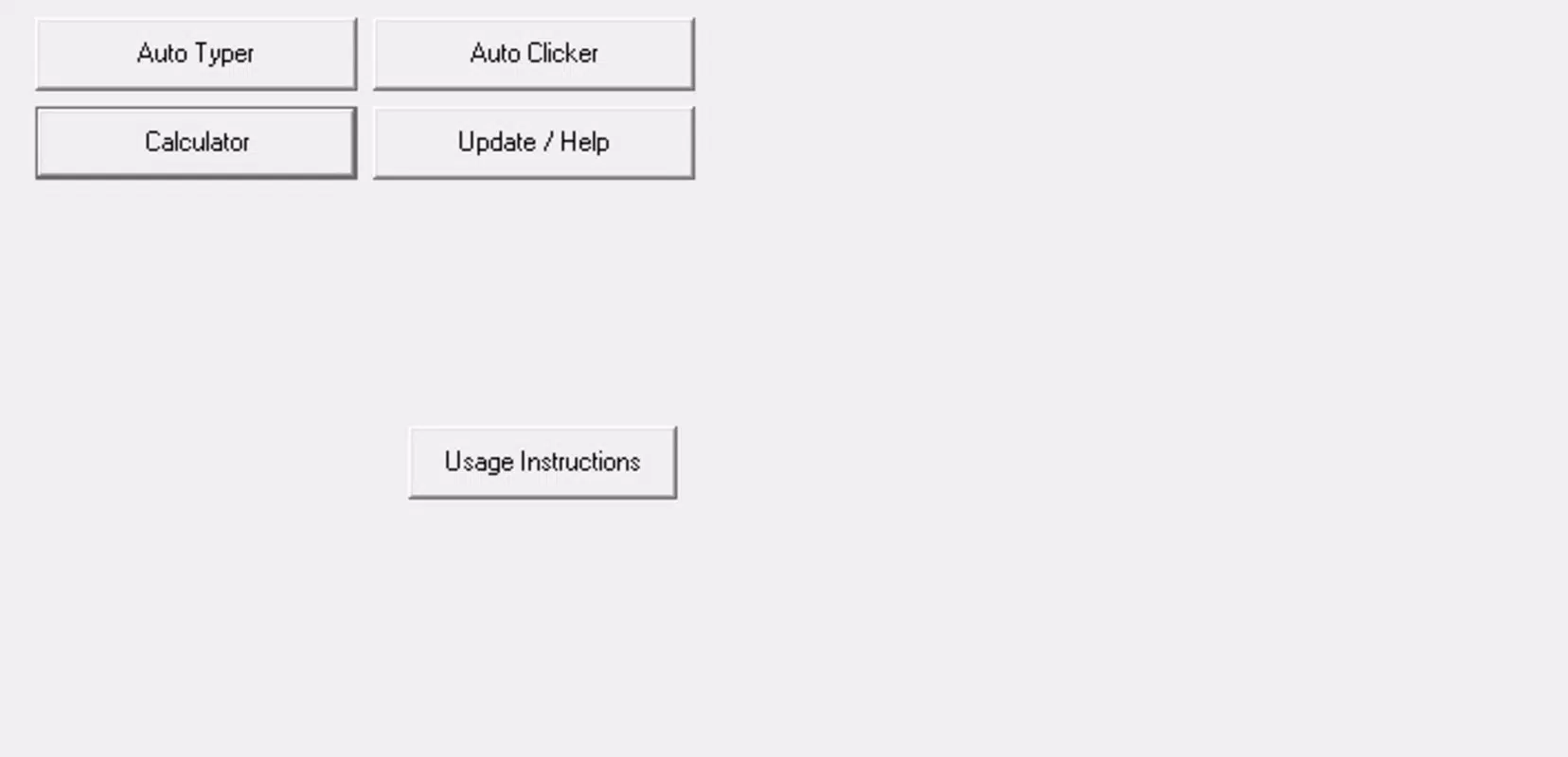
The interface of Auto Clicker and Auto Typer is minimalistic and focused on core functionality. With no complex menus or visual distractions, the app presents essential controls in a clean layout. Users can configure text input, click intervals, and activation keys through straightforward input fields and toggle switches. This simplicity enhances usability, especially for users who prioritize speed and efficiency over advanced customization.
Navigating the app requires minimal effort—most actions are triggered via keyboard shortcuts, reducing reliance on mouse interaction. The application responds instantly upon activation, and its lightweight nature ensures low CPU and memory usage. Although the developer did not list formal performance metrics, the app’s small file size suggests optimized code and efficient execution.
Performance across different device categories remains consistent due to the app’s minimal resource demands. It operates smoothly on older or low-spec Windows machines without lag or crashes. Responsiveness is maintained during active automation, with no noticeable delays in triggering clicks or typing. Stability appears reliable, though no formal testing data was provided. Overall, the UX is intuitive, catering to both novice and experienced users seeking a no-hassle automation solution.
Platform Compatibility & Technical Requirements
Auto Clicker and Auto Typer is designed exclusively for Windows operating systems. The app is compatible with the latest versions of Windows, though specific OS requirements were not listed. The software version is 1.2.0, and the file size is 98KB, confirming its status as a highly compact utility.
As a portable application, it does not require installation, making it accessible on any Windows device without administrative privileges. This feature enhances compatibility across workstations, school computers, and personal machines. The developer did not specify minimum OS requirements or hardware specifications, so users should ensure their system supports running executable files.
Given its small footprint and lack of dependencies, the app is likely to function on a wide range of Windows devices, from older desktops to modern laptops. However, users should verify compatibility with their specific system configuration, especially in restricted environments where executable files may be blocked.
Pros and Cons
Pros
- Portable with no installation required
- Extremely lightweight at just 98KB
- Simple, intuitive interface for quick setup
- Efficient automation for repetitive tasks
- Free to download and use
- Compatible with various Windows environments
Cons
- No advanced automation options or scripting support
- Platform limited to Windows only
- Developer did not provide detailed technical specifications
- Functionality restricted to mouse clicks and text input
- No built-in update mechanism or version tracking
FAQ
Is Auto Clicker and Auto Typer safe to use?
The app is a standalone executable and does not require installation. It is free of known malware, but users should download it from official or trusted sources to ensure security.
Can I use this app on multiple devices?
Yes, due to its portable nature, you can run the app from a USB drive or cloud storage on any Windows device without installation.
Is there a version for Android or iOS?
No. The app is currently only available for Windows operating systems.
How do I update Auto Clicker and Auto Typer?
As the app is free and portable, users must manually check for new versions. The developer did not provide an automatic update feature.
Does the app require admin rights to run?
No. Since it operates without installation, it can be launched from any location without requiring administrative privileges.
Final Thoughts
Auto Clicker and Auto Typer delivers a focused, reliable solution for users seeking to automate simple, repetitive tasks on Windows. Its lightweight design, ease of use, and portability make it a standout choice among productivity utilities. While it lacks advanced features like scripting or cross-platform support, its core functions are executed efficiently and without unnecessary complexity.
It is particularly beneficial for gamers, content creators, and professionals handling repetitive input tasks. The fact that it is free and requires no installation enhances its accessibility and appeal. For anyone looking to reduce manual effort in daily workflows, this tool offers a practical and secure way to boost efficiency.
Download Auto Clicker and Auto Typer now


